
Beyond the Chat Log: How Asynchronous Video & Screen Recording Transforms Tech Support
Let’s be honest. Describing a technical problem over text is like trying to explain a strange noise your car is making over the phone. You do your best—”It’s a sort of clunky, whirring sound, but only when I turn left?”—but the mechanic on the other end is just guessing. That’s the daily reality for countless support teams and frustrated users.
But what if the user could just show you? Not in a live screen share that requires scheduling a mutual free moment, but on their own time? That’s the power of implementing asynchronous video and screen recording for technical support resolution. It’s not just a new tool; it’s a fundamental shift from textual guesswork to visual clarity.
The “Aha!” Moment: Why Async Video Cuts Through the Noise
Traditional support channels have inherent friction. Email threads balloon with back-and-forth clarifications. Chat support moves fast but often misses crucial context. Phone calls? Well, they require both parties to be available and still struggle with “Okay, now click the… um, the thing in the top right.”
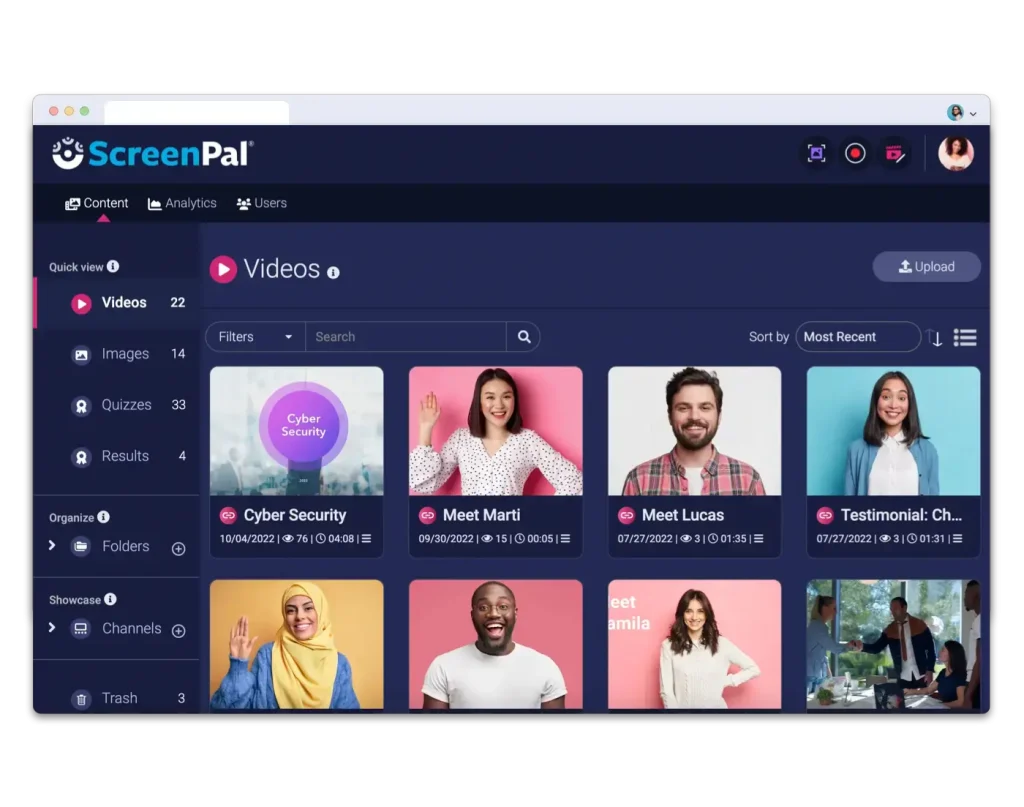
Asynchronous video flips the script. Here’s the deal: a user encounters an error, clicks a browser extension or a button in your help widget, and records their screen and voice for 60 seconds. They show the issue, explain what they were trying to do, and hit submit. The support agent gets a clear, visual ticket—a mini documentary of the problem—before they even type “Hello.”
The benefits are, frankly, massive for both sides.
For the Support Team: Supercharged Efficiency
Think about the time saved. No more asking for:
• Screenshots of the exact error message.
• Browser version and OS details.
• Steps to reproduce the issue.
It’s all right there in the video. This can slash the number of initial interactions needed to diagnose a problem. In fact, some teams report a reduction of up to 30% in time-to-resolution for complex tickets. Agents spend less time interrogating and more time solving.
For the User: Frustration-Free Explanation
Users aren’t tech support experts. They don’t know the right terminology. With a simple screen recording, they can point, click, and narrate in their own words. It’s empowering. It reduces the cognitive load of explaining something they don’t understand and, honestly, makes them feel heard. The support experience instantly feels more human, more collaborative.
Getting Practical: How to Implement This Without the Headache
Okay, so it sounds great. But rolling out a new process can feel daunting. It doesn’t have to be a revolution overnight. Here’s a phased approach that actually works.
Phase 1: Choose Your Tooling (It’s Easier Than You Think)
You don’t need to build this from scratch. A range of dedicated tools integrate seamlessly with help desks like Zendesk, Freshdesk, or Intercom. Look for solutions that offer:
• Simple user-side recording (often just a click).
• Secure, cloud-based storage and playback.
• Annotation features for agents to mark up frames.
• Basic analytics to track usage and impact.
The key is low friction. If it takes more than two clicks for a user to start recording, adoption will plummet.
Phase 2: Craft the Invitation (Psychology Matters)
You can’t just flip a switch and expect users to record videos. You have to invite them—and frame it as a benefit, not a burden. Place prompts strategically:
1. In your help widget: “Want a faster solution? Show us with a quick video!”
2. After a failed search in the knowledge base: “Still stuck? Record your screen for personalized help.”
3. In email templates: “If it’s easier, you can reply to this email with a short screen recording using [link to tool].”
The language is crucial. Use verbs like “show,” “demonstrate,” “illustrate.” Promise a quicker, better outcome.
Phase 3: Train Your Team & Adapt Workflows
This is where the human element comes in. Agents used to parsing text need to become adept at watching and analyzing short videos. Train them to:
• Look for subtle UI cues a user might miss.
• Listen to the user’s tone for added context on frustration level.
• Use playback controls (slow speed is a secret weapon).
• Respond, when possible, with their own quick video answer. A 30-second video showing the exact click path can replace a 10-step email guide.
The Tangible Impact: More Than Just Happy Customers
Sure, customer satisfaction (CSAT) scores often jump with this visual approach. But the ripple effects go deeper.
First, product teams get a goldmine of feedback. Watching dozens of videos of users struggling with the same UI element is far more compelling than reading a bug report. It drives better, more empathetic design decisions.
Second, it builds a powerful knowledge base. With permission, these video snippets become invaluable internal resources for training new support agents. They’re real-world case studies of common issues.
Let’s look at a quick comparison of the support landscape:
| Support Channel | Avg. Time to Diagnose | User Effort | Context Clarity |
| High (Multiple cycles) | Medium (Writing) | Low (Text-only) | |
| Live Chat | Medium | Medium (Real-time typing) | Medium |
| Phone | Medium-High | High (Synchronous) | Medium (Audio-only) |
| Async Video | Low (Immediate visual) | Low (Show, don’t tell) | High (Full visual/audio context) |
A Few Cautions on the Journey
It’s not all perfect, of course. You’ll need to consider privacy and security—ensuring the tool is compliant and that users aren’t recording sensitive data. Providing clear guidelines is a must.
And some users will still prefer text. That’s fine. This is about adding an option, not removing choices. The goal is to meet users on their terms, but with a better tool in your belt.
You might also face initial internal resistance. Change is hard. The trick is to start with a pilot team, gather success stories, and let the results—shorter handle times, happier customers—do the talking.
The Bigger Picture: Support as a Conversation, Not an Interrogation
In the end, implementing asynchronous video recording is about more than efficiency metrics. It’s a move towards a more humane, understanding support model. It acknowledges that problems are often visual, contextual, and hard to put into words.
It transforms the dynamic from “agent vs. problem described by user” to “agent and user, both looking at the same problem, together.” That shift—from textual interrogation to visual collaboration—is where the real magic happens. It turns a support ticket into a shared moment of clarity. And honestly, isn’t that what great support is all about?


